
The expense tracker that tags everything for you.
Connect your accounts and every transaction shows up already categorized and named — no manual entry, no spreadsheet. Got a category wrong? Fix it in one tap. Free to start, 14-day trial either way.


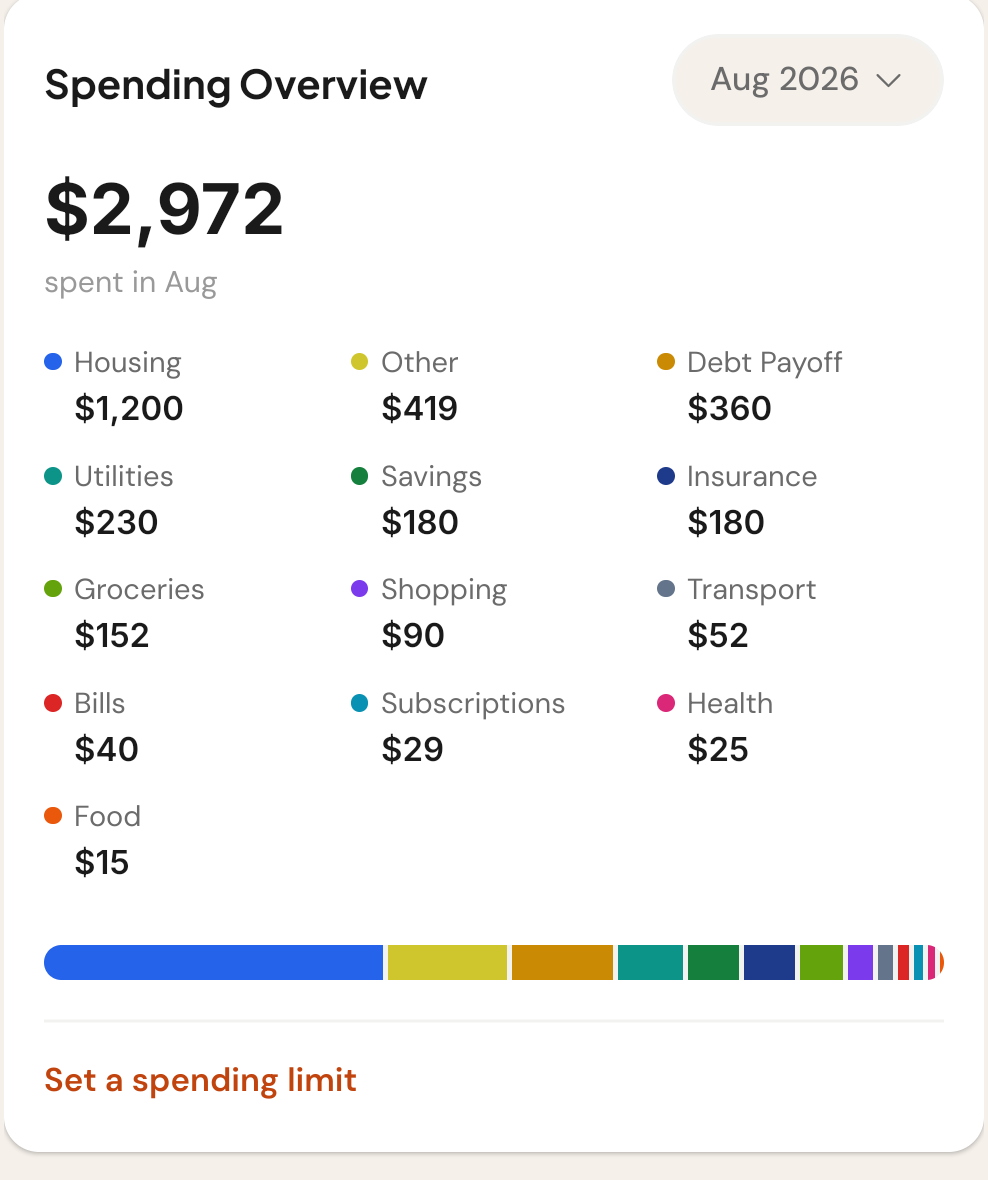
"Where did it all go?" shouldn't take an afternoon.
Typing it in yourself never lasts
Manual expense trackers die in week two. Truve pulls every transaction from your accounts automatically — nothing to type.
Auto-categorizing gets things wrong
Every app guesses the category. Most don't let you fix it. Truve does — tap the wrong tag, pick the right one, done.
One category isn't always enough
"Tax deductible," "reimbursable," "for the trip" — Truve lets you add your own tags on top of the category, so nothing gets lost at tax time.
No typing. No spreadsheet. Just the real numbers.
Every transaction, tagged the moment it lands
Connect your accounts once. From then on, every purchase shows up already named, categorized, and color-coded — nothing to enter by hand.
Wrong tag? Fix it in one tap
Automatic categorizing gets most transactions right — and when it doesn't, tap the category pill and pick the correct one. It remembers for next time.
Tag it your way, on top of the category
Add up to three of your own tags to any transaction — "tax deductible," "reimbursable," whatever you need to find it again later.
Free to download. 14 days free either way.
No feature splits hidden until checkout — here's exactly what each plan includes.
- All accounts, spending & budgeting
- One savings or debt-payoff goal
- Upcoming bills & subscriptions
- Ask Iris
- Everything in Basic
- Multiple goals at once
- Subscription ROI Tracker
- Data export
- Partner mode: combined balances & shared goals
How the numbers actually get in.
Do I have to enter transactions myself?
No. Once you connect a bank account, every transaction is pulled in and categorized automatically. There’s no manual entry screen in Truve at all.
What if Truve tags something wrong?
Tap the category pill on any transaction to open the recategorize picker and choose the right one. It only takes one tap.
Can I add my own tags?
Yes — up to three custom tags per transaction, on top of its category. Useful for things like “tax deductible” or “reimbursable.”
Can I filter to just my income or just my spending?
Yes, with the All / Income / Spending filter at the top of your Activity feed.
How does Truve connect to my transactions?
Through Stripe Financial Connections. Truve never stores your bank credentials.