
Connect your bank. Keep your login.
Pick your bank and connect through Stripe's secure connection. Truve reads your transactions and balance and never moves money. Free to start, 14-day trial either way.


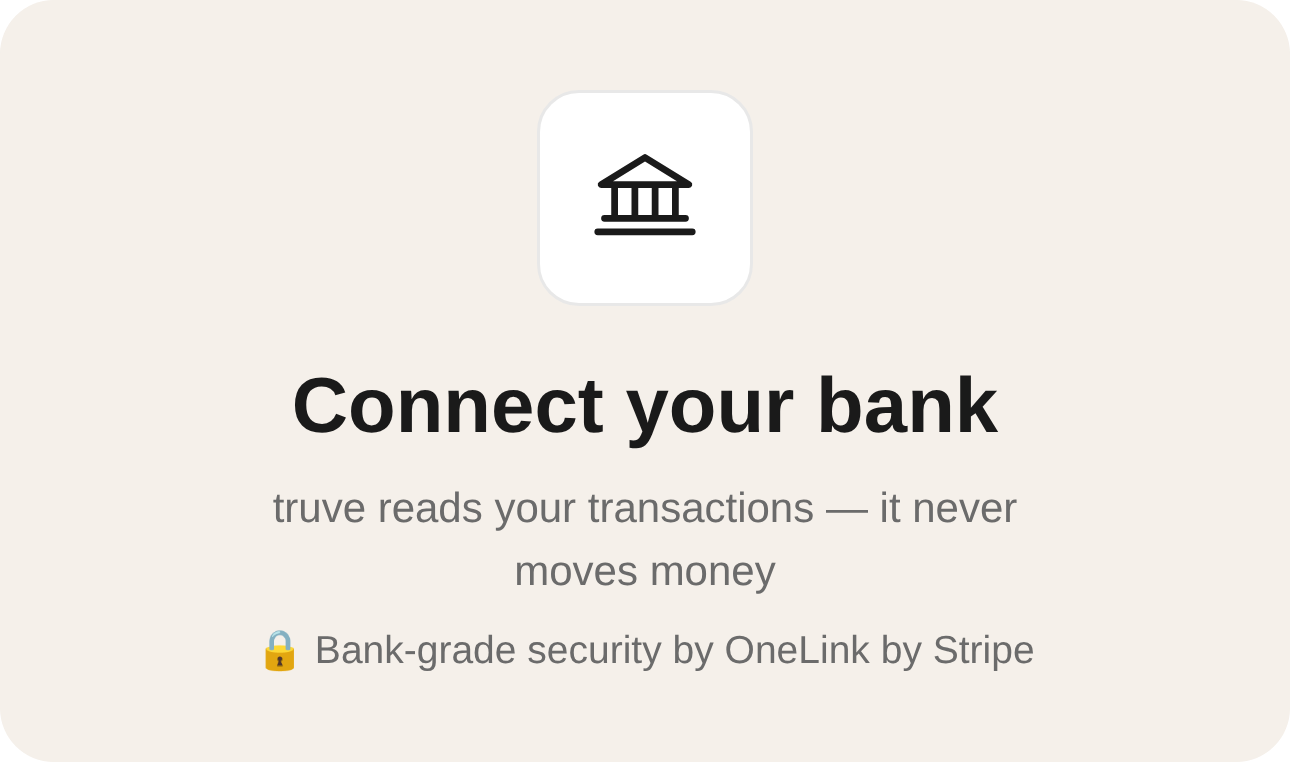
Typing every number in by hand never lasts.
Manual tracking fades
Once your bank is linked, your transactions and balance arrive in Truve on their own, so your picture stays true without the typing.
Handing over a password feels wrong
You connect through Stripe Financial Connections. Truve never stores your bank credentials, and access is read-only.
One account is rarely the whole picture
Link up to 3 bank accounts on Basic or 5 on Pro, and see them together in one place.
Connected in a few taps.
- 1
Find your bank
Tap Connect your bank and search for it by name. If it is not supported yet, Truve tells you before anything is linked.
- 2
Connect securely
Sign in through Stripe's secure connection. Truve reads your transactions and never moves money.
- 3
Manage it in Connected Banks
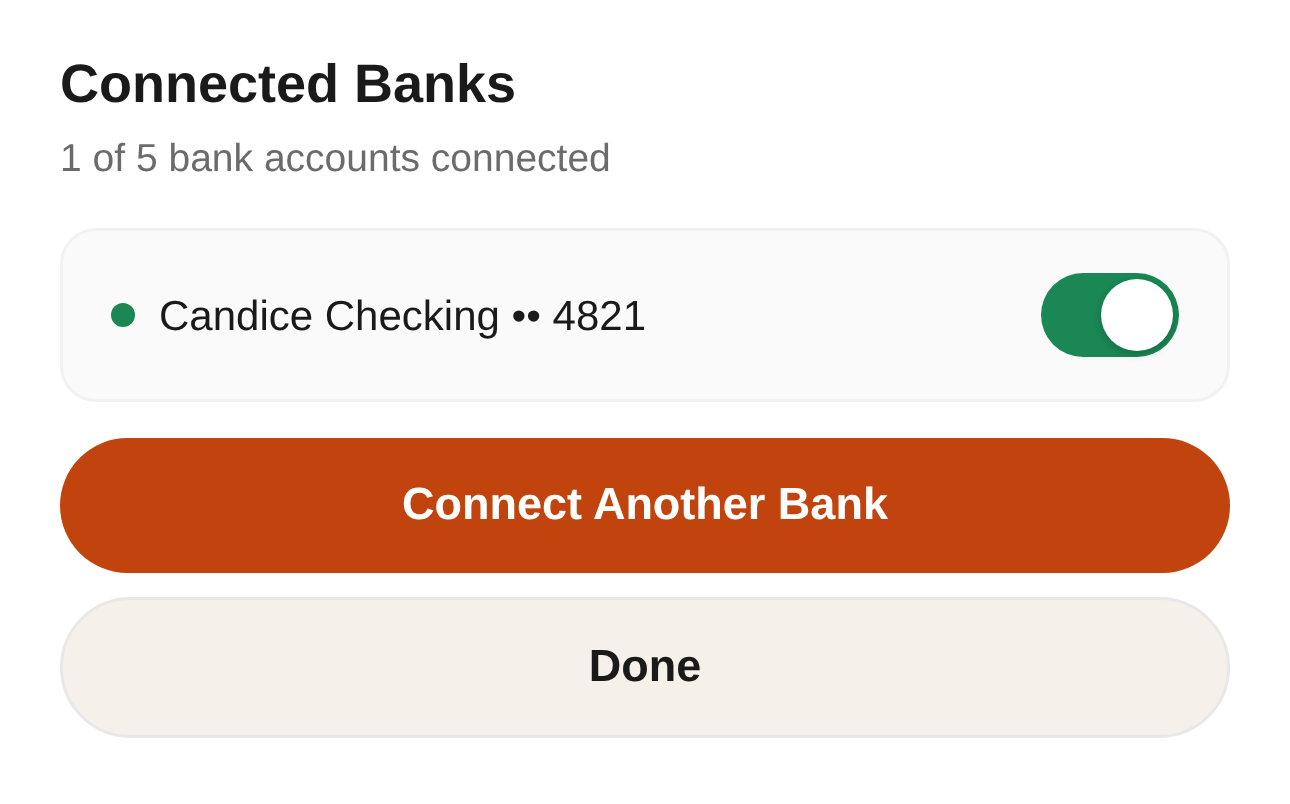
Each linked account shows with its last four digits. Need one removed? Email contact@usetruve.com and Truve will do it for you.
Free to download. 14 days free either way.
No feature splits hidden until checkout — here's exactly what each plan includes.
- All accounts, spending & budgeting
- One savings or debt-payoff goal
- Upcoming bills & subscriptions
- Ask Iris
- Everything in Basic
- Multiple goals at once
- Subscription ROI Tracker
- Data export
- Partner mode: combined balances & shared goals
What people ask before they connect.
Which banks does Truve support?
Truve connects thousands of US banks and credit unions through Stripe Financial Connections. Search for your bank by name when you connect. If it is not supported yet, Truve tells you before anything is linked.
Can Truve move my money?
No. Truve reads your transactions and balance and never moves money. Access is read-only.
Does Truve store my bank login?
No. Your accounts connect through Stripe Financial Connections, and Truve never stores your bank credentials.
How many bank accounts can I connect?
Up to 3 on Truve Basic and up to 5 on Truve Pro. The Connected Banks screen shows how many you have linked.
How do I remove a bank I connected?
Email contact@usetruve.com and Truve will remove it for you. Disconnecting inside the app is not available yet.
How long until my transactions show up?
Right after you connect, Truve starts syncing your transactions and balance. It can take a few minutes for them to appear.
What does Truve cost?
Truve is free to download. Truve Basic is $9.99/mo and Truve Pro is $14.99/mo, and both start with a 14-day free trial.